


AI Agents in monday.com: Giving Sales Teams Their Time Back

Ask most sales reps how they spend their week, and selling is just part of their answer. Between CRM updates, call notes, and prep for the next meeting, admin can eat up to half of their week.
AI agents in monday.com can take on that admin directly by pulling data from across your boards to brief you each morning, prep you for calls, and update your CRM automatically once a call is done. Unlike a simple automation, an agent isn’t following a fixed rule. It’s given a goal and works out how to get there, drawing on whatever data and context it needs along the way.
At a Glance
- Sales reps can lose a third to half of their week to admin, with writing up call notes and prepping for meetings as the biggest drains.
- An automation and an AI agent are different. Automation follows a fixed rule; an agent is given a goal and decides how to reach it, pulling in different tools and data each time.
- Three AI agents—morning briefing, call prep, and post-call follow-up—can take admin tasks that used to take hours down to minutes.
- Agents are only as good as the data behind them, so clean, connected monday.com boards need to come first.
Where sales reps actually lose their time
For a lot of sales teams, admin takes up a significant chunk of the working week. CRM updates, writing up call notes, and building prep for demos and decks all require meaningful efforts to complete thoroughly.
Of all these tasks, writing up call notes properly is usually the biggest time suck. A full write-up for an important deal can easily take half a day. Call prep is close behind, because it means pulling in context from previous calls as well as checking for any new developments, like recent investments or emerging risks, that could affect the deal.
The knock-on effect is familiar to most reps. They mean to write up their notes straight after a call, but back-to-back meetings get in the way. By 7pm, the day is over, energy is gone, and the write-up gets pushed to tomorrow, or later in the week. Momentum is lost, and so are the details. A prospect’s reaction to a price, for example, rarely makes it into typed-up notes, even though it might be one of the most useful signals from the whole call.
AI agents in action: A two-person sales team gets its time back
We recently worked with a client running a very small sales team of just two people, stretched thin across every deal in the pipeline.
To help, we built them AI agents that effectively acted as extra team members. One of these was a morning briefing agent, pulling together everything stored across their monday.com boards—follow-ups, tasks, and priorities—into a single overview each day.
Instead of spending Monday mornings piecing together what needed doing across multiple boards, the team could run the agent, wait a minute or two, and have a clear picture of the week ahead. That freed them up to spend more time calling prospective clients, rather than doing admin.
What good foundations look like before adding AI agents
For an AI agent to be effective, all the relevant data needs to be in the system, and it needs to be set up neatly and consistently. Agents can only pull from what’s actually there, so the cleaner the boards, the better the results.
Before we introduce AI agents to a team’s monday.com setup, we typically find the basics are already there: a pipeline board, a contacts board, maybe a task list.
The problem is these boards are usually disconnected from one another. In practice, this often means one rep is holding all the context across boards in their head, ready to recall it in meetings. Once AI agents are introduced, that same information runs smoothly across every board instead of living in one person’s memory.
What’s the difference between an automation and an AI agent?
It’s a fair question, and one we hear a lot from sales leaders who assume “AI agent” is just a buzzword for automation.
An automation is a fixed rule. If a deal moves to a certain stage, send an email. It’s concrete, and does the same thing every time.
An AI agent is different. You give it a goal, and it decides how to get there. Ask it to prep you for a two o’clock call with a particular company, and it will look through your CRM data—and online, if needed—to pull together everything relevant. The result can be different every time, depending on what it finds.
We go into this distinction — and monday.com’s wider AI toolkit — in more detail in The Practical Guide to monday.com’s AI Tools: For Teams Ready to Go Beyond the Basics.
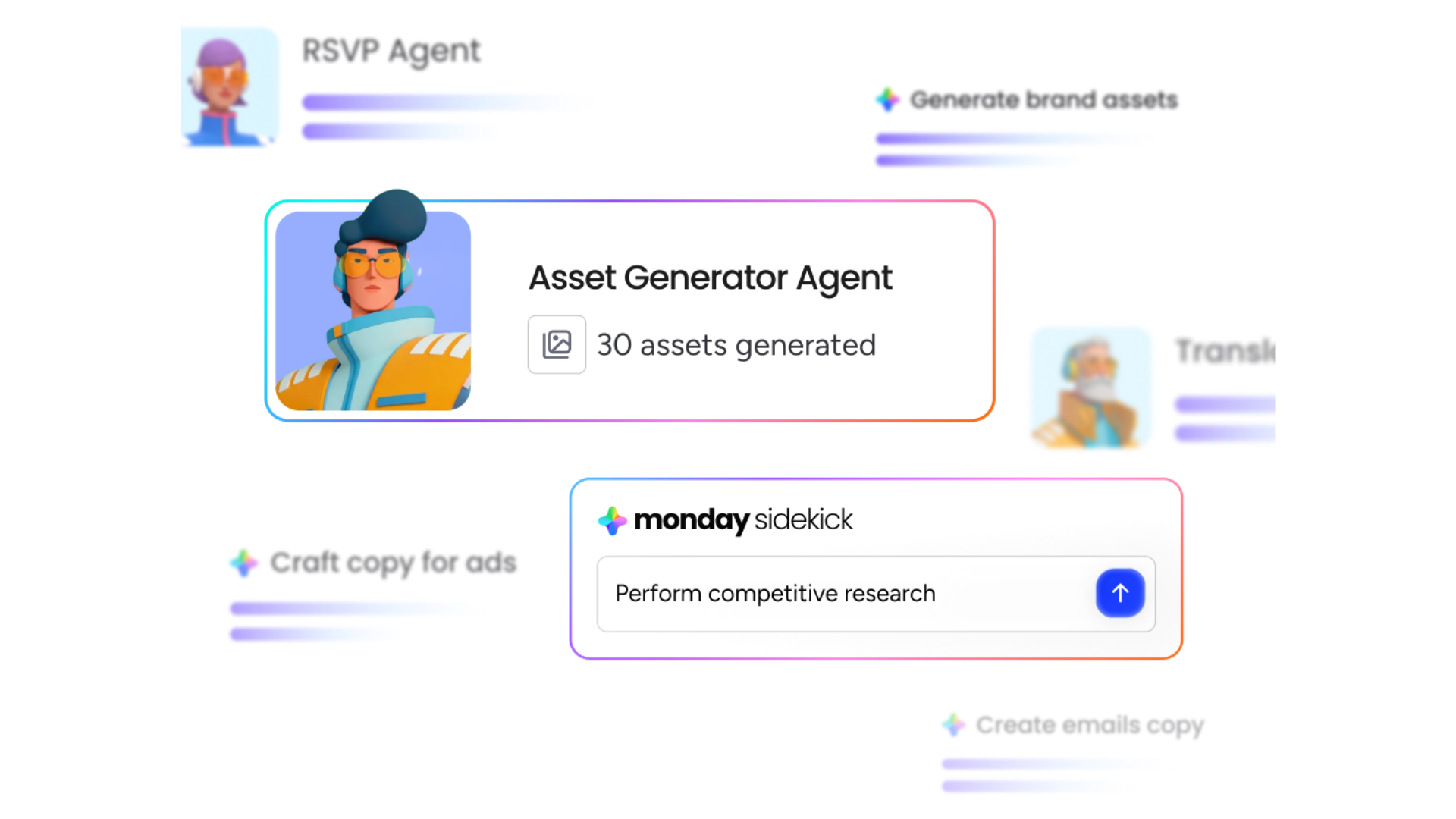
Three monday.com AI agents worth building
1. The morning briefing agent
Monday mornings can be hectic. Reps often open their sales pipeline to find dozens of deals, each with several follow-ups and tasks attached, and spend an hour or two clicking into each one just to work out what needs priority.
The morning briefing agent solves this by pulling data from every board and presenting it as a single overview. It shows what percentage of the pipeline is currently at risk and why, lays out top priorities for the day, and lists meetings and any overdue tasks. It also flags deals missing a next step, which helps keep the CRM itself in good shape.
2. The call prep agent
Prepping for a call usually means reading through deal notes and past meeting history, then piecing together what matters. The call prep agent does this automatically. Enter the name of the company you’re meeting, and within moments it pulls together a snapshot of who’s involved, the deal value, and what’s been established so far.
It also builds a stakeholder map, which can surface useful gaps. In one example, the agent flagged that the economic buyer holding the budget hadn’t yet been on a call at all. Alongside this, it surfaces the client’s pains in their own words, suggests questions to ask, and lays out competitor positioning and recommended objectives for the call.
3. The post-call follow-up agent
Writing up call notes and updating the CRM afterwards is one of the most time-consuming admin tasks a rep faces. The post-call follow-up agent removes most of that manual work.
Once meeting notes are uploaded to monday.com, the agent pulls out the follow-ups, commitments made by both sides, any new information from the call, and the agreed next steps, then updates the sales pipeline directly. What might otherwise take up to an hour becomes a single click.
AI agents deliver more than time savings
It’s tempting to think of AI agents purely in terms of time saved, but that undersells what they actually change.
A CRM, on its own, is really just a filing cabinet. It stores everything, but someone still has to go in, find what’s relevant, and act on it. What an agent does is go into that filing cabinet and pull out exactly what’s useful, when it’s useful.
The real return isn’t tidier admin. It’s the number of hours a rep gets back to spend on the parts of the job that actually matter: selling and building relationships. Reps are hired to be human, and agents can take on the mundane tasks that get in the way of that, without a business needing to hire additional headcount just to keep on top of admin.
This shows up most clearly at the start of the week. Instead of scrambling across boards, email chains, and messages to work out what needs doing, everything is laid out in one place, and teams can start the week with clarity rather than catching up.
Frequently Asked Questions
Q: What’s the difference between an AI agent and an automation?
An automation follows a fixed rule, doing the same thing every time a specific trigger happens. An AI agent is given a goal instead, and works out how to achieve it, pulling in different data and tools depending on what it finds.
Q: What do I need in place before setting up AI agents in monday.com?
At a minimum, your boards need to hold all the relevant data, and that data needs to be structured neatly and consistently. Agents can only work with the information available to them, so disconnected or incomplete boards will limit how well they perform.
Q: Can I set up AI agents myself, or do I need help?
AI agents themselves are straightforward to set up, and any team can do it. The bigger factor is whether your underlying monday.com infrastructure is in good shape. Many teams are still working from boards set up when they first adopted the platform, using only a fraction of what it can do. That’s typically where a partner like Provident adds the most value: building out infrastructure tailored to how your team works before layering agents on top.
Let AI agents do the admin for you
AI agents work best when they’re built on solid foundations. With clean, connected monday.com boards in place, agents can take on the admin that eats into a rep’s week, from morning briefings to call prep to post-call CRM updates.
If you’d like help setting up AI agents in your monday.com platform, or want to explore what’s possible once your infrastructure is ready for it, contact us today.
Posted on