


The Practical Guide to monday.com’s AI Tools: For Teams Ready to Go Beyond the Basics
At a Glance
monday.com‘s AI suite covers four core capabilities. AI Workflows automate repetitive decisions inside your existing automations – categorising, summarising, routing, and drafting – without manual triggers. monday sidekick is a context-aware AI assistant that works across your entire account, surfacing risks, answering questions, and taking action based on your real data.
monday vibe lets teams build custom views and interfaces on top of their existing data using plain language prompts, with no coding required. And Agent Factory deploys AI agents that work independently: making calls, sending follow-ups, collecting data, and logging it back into monday.com automatically.
Most teams using monday.com have built out their boards, set up automations, and found a rhythm for managing work and keeping projects on track. With the introduction of monday.com’s AI suite, everything teams were already doing has evolved – connecting more seamlessly, running more effortlessly, and delivering more without anyone having to work harder to make it happen.
For Project Managers, that means the platform they already rely on can now think alongside them. Work gets routed, summarised, and acted on automatically. Risks surface before they become problems. And decisions get made on real data rather than chased across boards.
monday.com’s AI works directly within the tools where your work already lives, understanding your boards, your workflows, your team, and your priorities to deliver relevant answers and real outcomes, not generic responses.
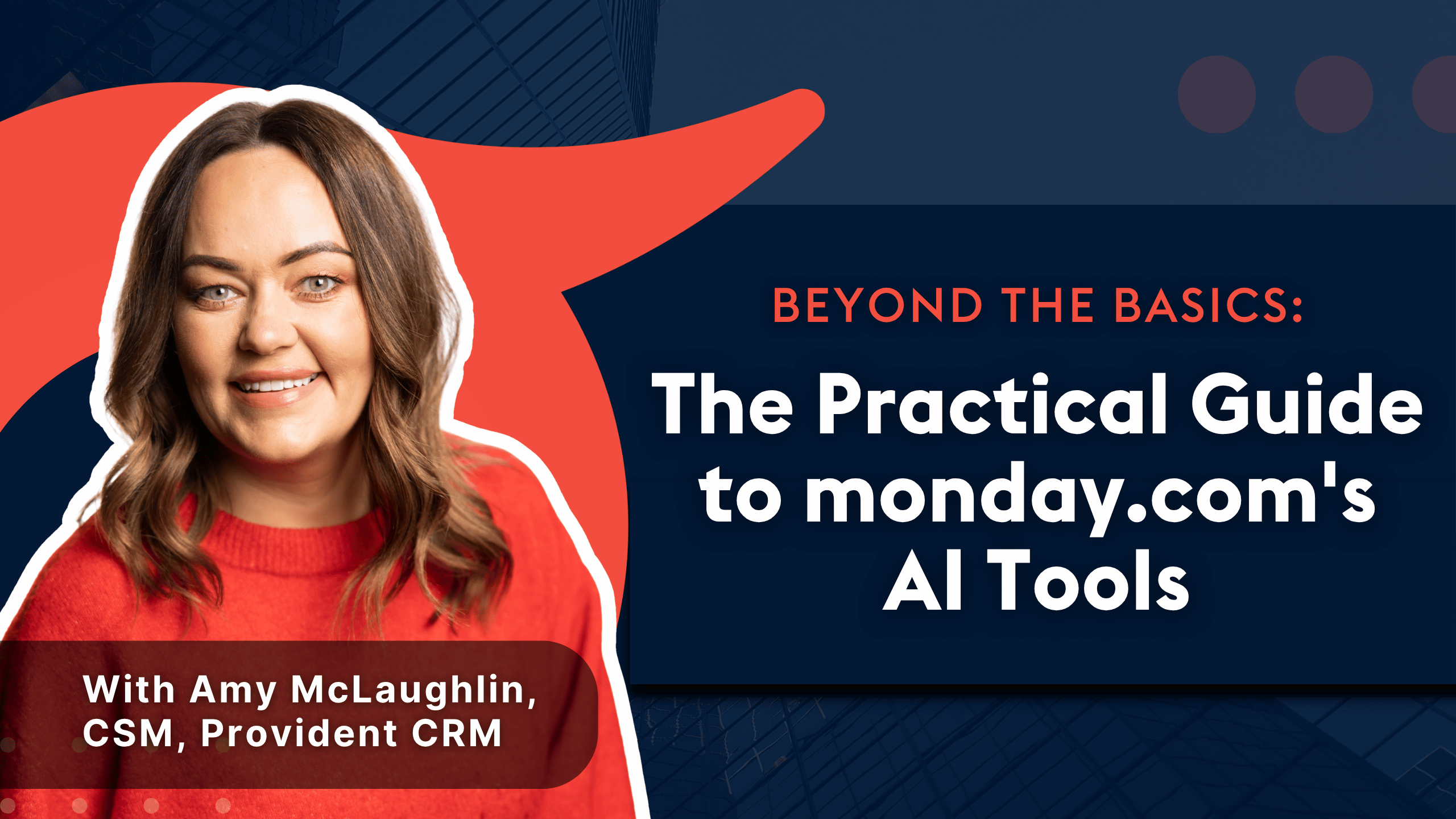
We sat down with Amy McLaughlin, our Customer Success Manager at Provident CRM, to answer the questions we hear most from project management teams considering adoption and show what these tools look like when they’re working inside real businesses. What makes Amy’s perspective valuable is simple: she’s in these conversations every day. Read on for her honest take on each tool, what it does, and where it makes the biggest difference.
Part 1: monday.com AI Workflows
AI Workflows are your existing monday.com automations, enhanced with AI at the right moments. As Daniel Kai, AI Product Manager at monday.com, puts it: “These are the workflows and automations we already know and love, just infused with a little AI at the right moments.”
They’re not a new tool to learn. They work within the workflow builder you already use, and the difference is that AI can now sit inside those workflows and handle decisions, not just actions.
What can AI actually do inside a monday.com workflow?
AI can handle any step in a workflow where the decision is repetitive, the criteria are clear, and the outcome is predictable. In practice, that includes:
- Translating incoming messages from other languages automatically
- Categorising requests as bugs, inquiries, or feature requests without human input
- Summarising lengthy field notes, updates, or customer messages into structured outputs
- Drafting personalised email responses based on the content of an incoming message
- Routing work to the right team or individual based on AI classification
- Auto-assigning tasks and escalating based on predefined logic
- Generating reports and customer updates automatically
For project management teams, this changes how the working day looks. Instead of spending the first hour piecing together where everything stands, project managers open a board that’s already up to date – AI summaries replace lengthy update threads, tasks are automatically assigned and escalated, and dashboards reflect the real state of work without anyone having to maintain them. The board stops being a place where work is recorded and becomes a system that actively moves it forward.
What results have teams seen by using workflows?
One of Amy’s clients, an operations-heavy business processing hundreds of jobs daily, was running entirely on paper. A handful of people manually read through field notes and evidence every day, deciding where each job went next. When those people were busy or off-site, work piled up, and given the volume they were dealing with, any delay escalated fast – what started as one missed update quickly snowballed into a backlog that affected the entire operation.
After implementing AI workflows, evidence was captured and categorised automatically, routing happened without human intervention, and nothing slipped through the cracks. The business saw a significant reduction in commercial disputes, with a direct impact on their payment structure, and saved hundreds of hours of manual processing time across the team.
Part 2: monday sidekick
monday sidekick is an AI assistant built directly into your monday.com account. Unlike generic AI tools, it has full context of your work, including your boards, projects, team members, and data. It answers questions, surfaces insights, takes actions, and works across your entire account, not just a single board.
Amy’s description: “Sidekick is like a layer of intelligence over your existing monday.com setup. It looks at what’s already in your account and turns that information into clearer answers, next steps, and summaries.”
What are the best prompts to use with sidekick??
Amy recommends starting your week with these:
- “What needs my attention this week?”
- “Which projects are most at risk?”
- “What’s blocking progress right now?”
- “Which deals are at risk of slipping?”
- “Show me the top 10 accounts that have dropped in usage recently”
What results have teams seen from sidekick?
For project managers, the shift is immediate. Status chasing drops off, meetings get shorter, and decisions get made on real data rather than partial information. Amy goes further: “It’s not just time saved, it’s mental space. Your meetings become more focused and you get time back to actually prepare for the next thing.” Instead of arriving at a Monday morning meeting still piecing together where everything stands, project managers can walk in already knowing what’s at risk, what’s blocked, and what needs a decision.
Part 3: monday vibe
monday vibe is an AI-powered app builder built directly on top of monday.com. It lets teams create custom views, interfaces, and workflows by describing what they need in plain language – no coding or developer support required. Everything built with vibe sits inside monday.com, inherits your existing permissions and governance, and works with the data you already have.
Amy’s description: “Vibe turns monday.com from a work management platform into a fully adaptable system built around your business.”
What are teams building most often with vibe?
Role-specific dashboards: Leadership needs high-level insights while operations needs granular detail. Standard views often can’t serve both well; vibe lets each team build exactly the view they need from the same underlying data.
Custom intake and request systems: Instead of external forms or email threads, teams build structured intake workflows directly inside monday.com, capturing, routing, and acting on information without leaving the platform.
What results have teams seen from vibe?
For project managers juggling multiple teams and projects, vibe’s biggest impact is clarity. Instead of navigating across multiple boards or filtering through data to piece together what’s happening, they get a single purpose-built view that shows exactly what they need to see, built around how they actually think about their work, not how the platform organises it by default.
Amy’s most striking example: a project management company with no technical resource built a fully tailored internal system that replaced multiple tools, just by describing what they needed. Once the first view was in place, the click moment came fast: “They could suddenly see across all their projects in one place, exactly the way they needed to. From there they started thinking bigger. Usually the following month they’re back asking for more vibe credits because people across the team have started using it.”
Part 4: Agent Factory
Agent Factory is monday.com’s AI agent platform that allows teams to design, launch, and manage intelligent AI agents. These agents don’t just suggest work, they act independently: making phone calls, sending follow-up emails, collecting information, and logging everything back into monday.com automatically.
Amy’s description: “They’re a digital teammate. Instead of AI assisting after the fact, the agent actively moves the work forward.”
What tasks should AI agents handle?
Amy’s rule of thumb: “Anything that’s repetitive, predictable, and rules-based should never really need a person manually driving it.” In practice, that includes:
- Chasing status updates across projects
- Sending reminder and follow-up emails
- Qualifying incoming leads or requests
- Logging call outcomes and data back into monday.com
- Routing approvals to the right person automatically
What results have teams seen from Agent Factory?
The impact of Agent Factory goes beyond efficiency, it changes how project managers show up as leaders. When the coordination work is handled automatically, they stop being the person their team associates with chasing and checking up, and start being the person who removes blockers, makes faster decisions, and drives momentum.
One of Amy’s clients, a project manager who started using AI agents a few months ago, described exactly that shift when Amy caught up with them recently. “They said it completely changed how their team sees them. They were no longer the person constantly chasing updates. They became the person focused on moving the work forward. It improved trust and reduced friction across the whole team.”
Frequently Asked Questions
Q: Do I need to rebuild my existing workflows to add AI?
No. AI actions slot directly into your existing workflow builder without starting from scratch.
Q: Is sidekick just a chatbot?
Not at all. Unlike a standard chatbot, sidekick is context-aware; it understands your account, your boards, and your role. It gives you real answers based on what’s actually happening in your business, not generic responses.
Q: Do you need to be technical to use monday vibe?
No technical background is needed. Vibe works from plain language prompts – you describe what you need and it builds it. The platform already looks familiar since it sits inside monday.com, so you’re not starting from zero.
Q: Won’t AI agents make our customer interactions feel less human?
In practice, the opposite tends to be true. Agents handle the repetitive, administrative touchpoints, which means when a human does get involved, the conversation is more focused, more consultative, and higher quality.
Ready to see what monday.com AI can do for your team?
monday.com’s AI tools are genuinely powerful, but as Amy puts it, they work best when you already have a clear idea of what you want to achieve. Knowing which tool fits which problem, how to connect it to your actual project workflows, and how to get your team to adopt it in a way that sticks – that’s where the real work is.
At Provident CRM, as a monday.com Platinum Partner, we work with project managers and operations teams across Ireland and the UK to map their workflows, identify where each AI tool fits, and build the implementation around how their teams actually work — from initial setup through to day-to-day adoption.
Book a free 30-minute call with one of our monday.com consultants about your workflows and where AI can take over.
Posted on