


What monday CRM’s AI Actually Does – And Why It Matters for Your Sales Team
At a Glance
monday.com’s CRM AI tools — including AI Notetaker, Sidekick, and lead scoring — are designed to reduce the admin burden on sales teams and improve CRM adoption. By automating call summaries, lead prioritisation, and outreach generation, reps spend less time updating records and more time selling. One Provident client saved 195 hours using monday.com’s automation and AI features. This article breaks down how each tool works, what good implementation looks like, and the mistakes to avoid.
Ask most sales leaders how their reps spend their time, and you’ll get a pause. Between updating spreadsheets, chasing down notes from last week’s calls, and manually copying data from one system to another, a surprising amount of a salesperson’s day has nothing to do with selling.
When we work with companies that are still running on Excel or an unoptimised CRM, the picture is often the same. Reps spend the first half of the day on admin: logging last week’s calls, figuring out who to follow up with, and piecing together a plan from notes scattered across three different platforms. It’s chaotic — and entirely preventable.
This article covers what monday CRM AI tools actually do, how they differ from generic AI, and what good implementation looks like in practice.
The hidden cost of manual sales processes
The inefficiencies we see most often aren’t dramatic. They are the slow drip of time lost to tasks that feel normal because they have always been done that way: CRM data entry, follow-up emails, call summaries, and sales forecasting. Each one is manageable in isolation, but together, they consume hours that could be spent on revenue-generating work.
Pipeline review meetings are a good example of how these inefficiencies compound. A meeting that should be strategic — reviewing gaps, assessing risk, deciding where to focus — often becomes a lengthy exercise in correcting data. We’ve seen teams spend the bulk of their review calls asking why information isn’t up to date, rather than discussing how to actually win more business.
Most teams don’t realise how much time they are losing until the system is live. One of the most common things we hear after implementation is: “I had no idea how much time I was wasting.”
What monday CRM AI tools can do
monday CRM AI is built into the platform rather than bolted on. It handles the repetitive work of keeping your CRM current, so your team doesn’t have to.
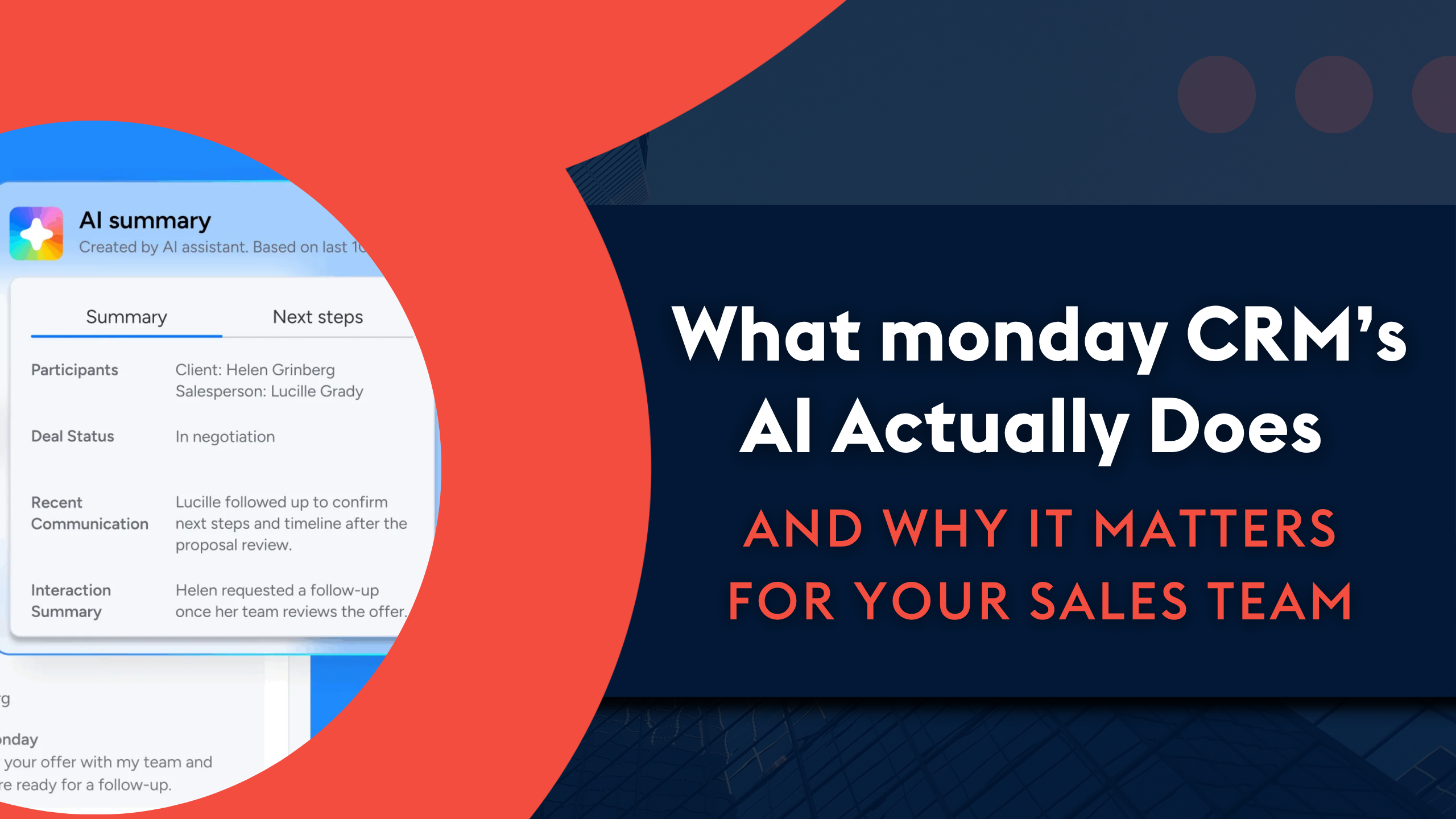
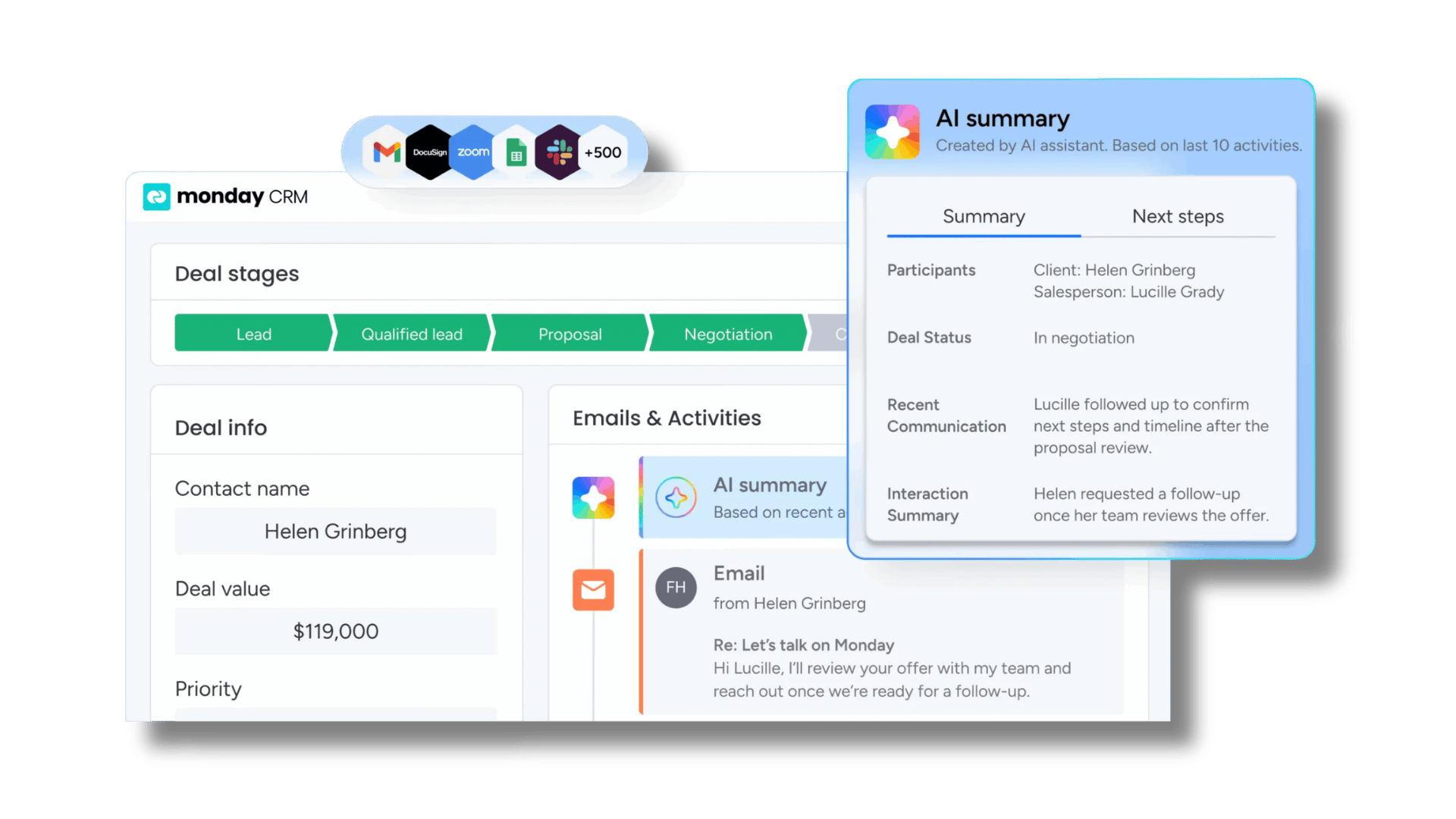
AI Notetaker joins calls automatically and captures everything: pain points, priorities, open questions, and agreed next steps. When it’s time to follow up, the context is already there. We have had reps compare their own notes to the AI summary and find things they had missed. Not because they were not paying attention, but because they were focused on the conversation itself.
monday sidekick sits at the heart of the experience. It scores leads, surfaces insights, and helps reps understand where to focus based on data already in the system. One team we worked with used it to build a full account mapping board in under two minutes. What had previously involved segmenting spreadsheets across multiple documents became a single structured view of every account — and outreach became considerably more targeted as a result.
Here are a few use cases for monday sidekick:
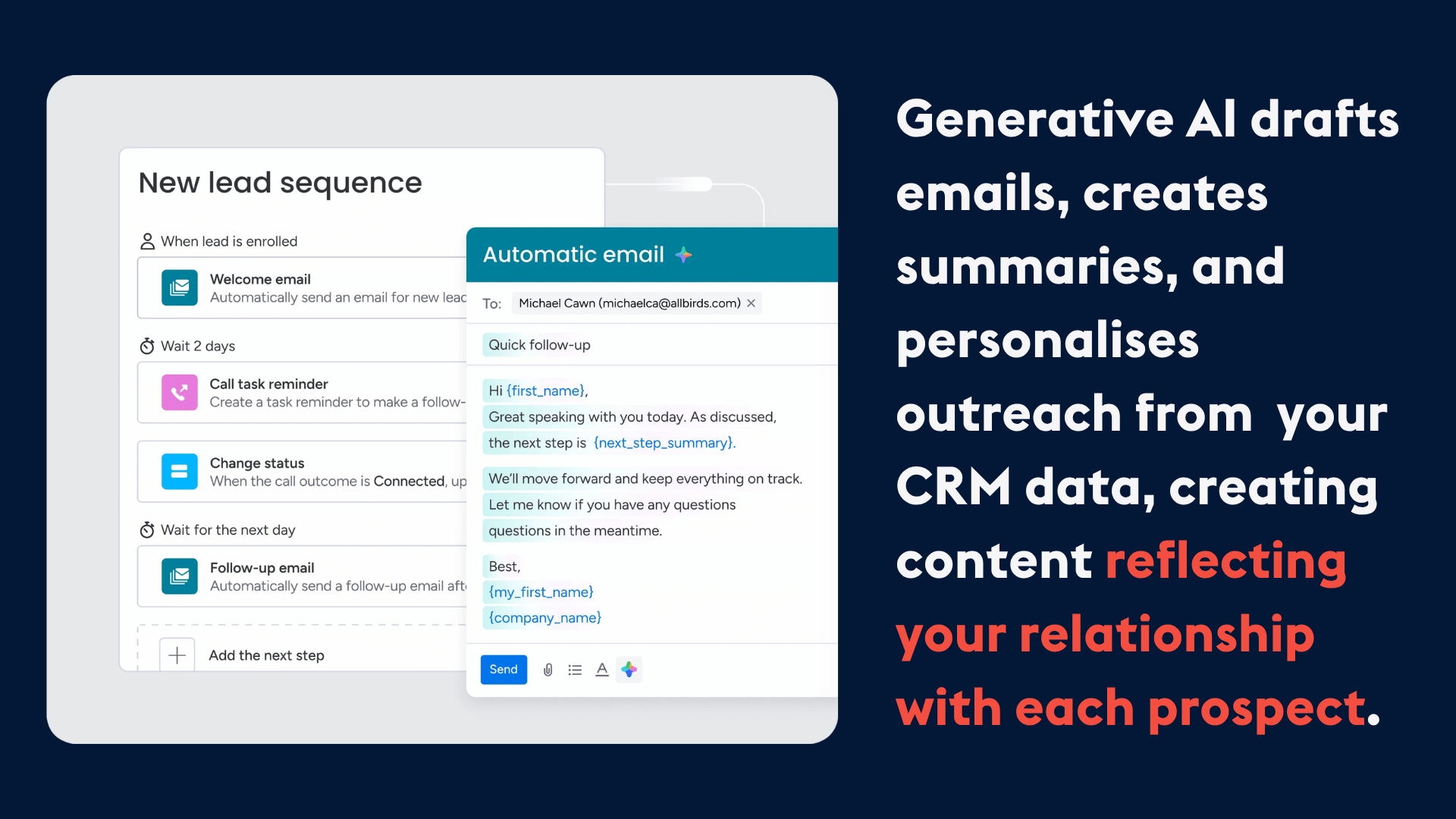
- Email sequences and outreach are handled directly within the CRM. Because the AI has access to deal history, contact details, and notes from previous conversations, it can generate emails that reflect the actual context of each relationship. Reps still add the human element, but the bulk of the drafting is done. Everything stays in one place, so there is no chasing down sent items across separate email clients.
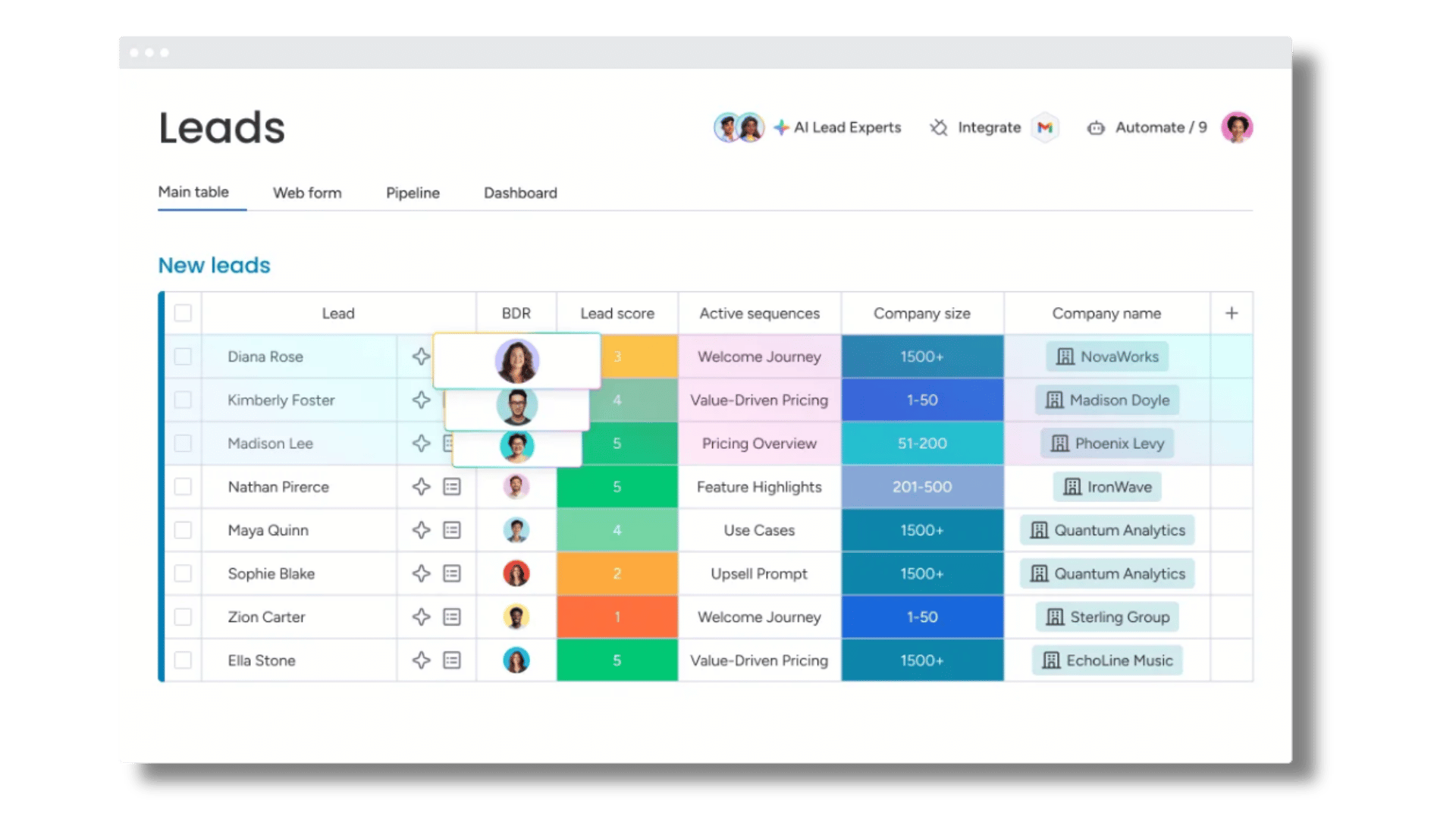
- Lead scoring becomes consistent in a way that manual scoring rarely is. Two leads with similar engagement levels should not be ranked differently depending on who reviewed them last. monday AI looks at patterns across engagement history, deal movement, and previous interactions, so the scoring system reflects data rather than gut feel.
- Forecasting improves for the same reason. The common failure point in manual forecasting is missed information — a meeting that was never logged, a figure pulled from a spreadsheet that was not updated. When everything lives in the CRM, the forecast reflects the full picture because the full picture is already there.
Want to see these in action? We covered a lot of this live in our recent monday.com User Group session. Watch the recording here.
What makes monday CRM AI different from generic AI tools
Generic AI tools require extensive context every time you use them. You have to explain how your pipeline works, how you prioritise leads, and what stage a deal is at before you can get a useful answer. monday CRM AI already has that context. Your deals, pipeline, lead history, and call notes are already in the system. You do not need to re-explain your business every time you ask a question.
That said, the quality of the output depends on the quality of the input. The more information a team puts into the system — lead data, logged calls, regular notes — the more useful the AI becomes. Key fields like job title, department, and tenure make a meaningful difference when the AI is generating outreach or scoring leads. Remember: better inputs produce better outputs.
What good looks like – and how to get there
One of our clients saved 195 hours in a defined period using monday.com’s automation and AI features. That time did not disappear — it went back into pipeline activity and closing deals.
For many teams, the change becomes visible in a specific way: the questions stop. Reps who were constantly fielding “what’s happening with this deal?” find that managers can log in and see the answer themselves. There are fewer interruptions, so they can spend more time selling.
Adoption tends to follow naturally once reps see the system working for them. monday CRM AI adapts to existing processes rather than demanding new ones.
However, the most common mistake we see during implementation is trying to do too much too soon. When teams hear what’s possible, the instinct is to automate everything at once, which can create confusion and undermine confidence in the system.
Our advice is always the same: start with your biggest pain point, get that working properly, and then move on to the next one. Teams that build momentum gradually are the ones that end up with a CRM they can rely on.
If your team is still spending the first part of the day on admin, we can help you change that. Book a call with Provident CRM to walk through what a well-configured monday.com CRM looks like for a team your size.
What AI agents actually change about a CRM
The tools have never really been the problem. Most CRM platforms — monday.com included — have had the functionality to support a well-run sales team for years. However, there was still a lot of manual effort required to keep the system current, and the reality that that effort doesn’t always happen consistently. A call logged at 9am Monday is reliable, but a call logged at 6pm Friday, after a full week, usually isn’t.
AI agents remove the need to remember at all. The call gets summarised, the follow-up gets drafted, and the pipeline stays accurate without manual input. The data quality that CRM has always promised becomes something that happens automatically, rather than something that depends on discipline at the end of a long day.
It’s especially impactful when onboarding new sales reps. Getting someone up to speed has historically meant weeks of tribal knowledge transfer — context buried in email threads, institutional knowledge that lived with people rather than in the system. AI agents surface that context automatically so a new rep can walk into their first week, open their board, and understand exactly where each deal stands without needing to piece it together from old conversations.
The introduction of AI into CRMs changes the argument for adoption entirely. The traditional case required a degree of faith: invest in keeping the data clean, trust the process, and the value will follow. That’s a harder conversation to have with a team that has tried CRM before and found the maintenance overhead wasn’t worth it. With AI agents, the value is visible from day one, making the business case considerably more straightforward.
Want to talk it through?
We’re still in the early stages of what AI agent-powered CRM can do. The implementations being scoped today will look markedly different from what’s possible in twelve months. But the direction is clear, and the pace of development behind it is real. If you want to explore what an agentic CRM could look like for your team, get in touch with Provident CRM.
Posted on