


AI Governance in monday.com: Control, Visibility, and Confidence to Scale
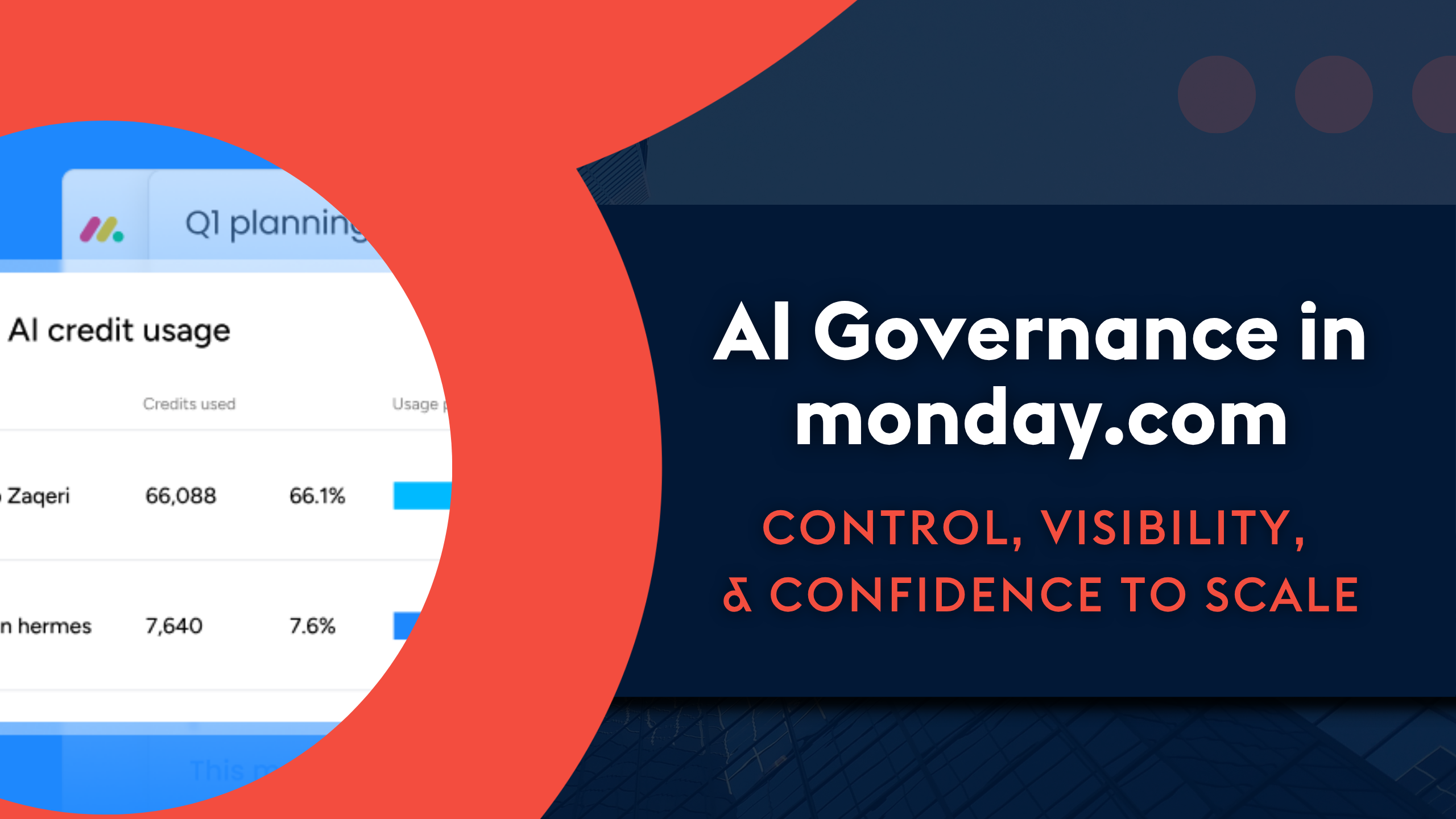
Most conversations about rolling out AI aren’t really about whether the tool is good enough. They’re about control: who can use it, what can it access, and what does it cost us if it gets out of hand?
AI Governance is a section within monday.com’s admin area that lets admins control who can use AI features, which workspaces those features can access, and how many credits each person or feature can use. It’s often the difference between a business testing AI cautiously and one avoiding it altogether.
At a Glance
- AI governance is an admin area in monday.com covering AI permissions, credit usage, usage limits, an agent/app directory, and a master on/off toggle for AI.
- Being able to control AI features gives IT and operations teams the control and visibility they need to say yes to wider AI adoption, instead of avoiding it.
- Admins and owners are the only ones who can roll out AI features, agents, or Vibe apps to their teams.
What is AI governance in monday.com?
AI governance lets admins control who can use AI features, which workspaces they can access, how many credits are being used, and by whom.
The section is split into a few key areas:
- AI permissions, where admins set exactly who can use each AI feature, and in which workspaces. If you don’t want AI touching financial data, for example, you can restrict it to specific workspaces only.
- Credit usage, which gives a clear overview of how many credits have been used, by which AI feature, and by whom. It’s common to see huge variation between individuals—one person might use a handful of credits a month, while another uses many times that simply experimenting with what’s possible.
- Usage limits, so admins can cap how many credits a person or feature can use. Once a limit is hit, the workflow or agent simply stops, rather than continuing to consume credits unchecked.
- Agent directory and Vibe apps, which list every AI agent and app in use across the system, including who built it, whether it’s active or shared, and what it can access.
- A master toggle, so AI can be switched off entirely across the system if needed.
Together, these give admins a full picture of what AI can access and do within their workspaces, rather than having to take it on trust.
AI governance in action: keeping a customer who nearly left
We recently worked with a client who was weighing up moving from monday.com to Salesforce. Their sticking point was that certain team members needed to update statuses on a board based on incoming emails, without logging into the system at all.
Before AI, that simply wasn’t possible in their setup. We built them an AI agent that reads the content of incoming emails against items on the board and triggers a status change automatically based on what it finds. It resolved one of their biggest pain points directly, and the client is still with us today, rather than migrating away.
See AI governance in action
Shauna Riordan, senior solutions consultant at Provident CRM, walks through all of the different features in the AI governance section of monday.com.
How should you roll out AI governance for the first time?
For IT and operations decision-makers testing AI for the first time, our advice is to start narrow: restrict access to admins or owners only while you get comfortable with what’s being created and what it can access. Once you’re confident, permissions can be widened gradually through AI Governance rather than opened up all at once.
Team size doesn’t really change this approach. Whether it’s a 20-person business or a 500-person enterprise, the principle is the same. However, larger teams may need more granular limits or role-based restrictions.
How to get the most out of monday.com’s AI features
You’ve heard it before: the single most important factor in getting good results from AI isn’t the feature itself but the prompt. A vague instruction like “build me a board for my deals” will produce a generic result. Giving AI the detail it needs—like the columns you want, what you’re tracking, context about your business—makes the difference between an output you have to rework and one that’s genuinely useful from the start.
That’s the underlying message of AI Governance: AI isn’t something you simply switch on and leave to run. It needs the right boundaries and the right information to be worth using.
If you’re looking to go deeper on getting the most out of monday.com’s AI features once governance is in place, our guide, The Practical Guide to monday.com’s AI Tools: For Teams Ready to Go Beyond the Basics, covers practical ways to build on the basics once your team is comfortable with the fundamentals.
Frequently Asked Questions
Q: Can I limit how many AI credits a person or feature can use?
Yes. Usage limits let admins cap credit consumption per person or per feature, so a workflow or agent stops automatically once it hits the limit rather than running unchecked.
Q: Do I have to give everyone access to AI features straight away?
No. We’d recommend starting with access restricted to admins or owners, then widening permissions gradually through AI Governance once you’re comfortable with what’s being built and what it can access.
Q: Can I turn AI off completely in monday.com?
Yes. There’s a master toggle in AI Governance that switches AI off across the system entirely, if needed.
Confidence to roll AI out properly
Governance makes rolling AI out safely possible. With the right permissions, limits, and visibility in place, teams can adopt AI features with confidence rather than uncertainty.
If you’d like help configuring AI Governance for your team or exploring what’s possible with AI agents in monday.com, contact us today.
Posted on